
Disclosure: Tripvio published this article. Tripvio feature descriptions reflect the current product as reviewed July 20, 2026. Travel rules, availability, and requirements can change; verify important information with the relevant official source.
1. Define the shape of the trip
Start with the travelers, likely dates, destinations, and the pace you want. This is the moment to collect ideas, not force every decision. In Tripvio, an itinerary can start with AI, a template, manual planning, an eligible synced travel email, or a smart upload. Keep uncertain options in the shared plan until the group chooses.
2. Confirm official travel requirements
Check passport validity, visas, transit rules, health requirements, and destination-specific advisories using official government, embassy, airline, and transit sources. Tripvio’s Visa Check can help frame research, but it is informational only and is not travel authorization or legal advice. Recheck official information close to departure.
3. Build an itinerary that can change
Give each travel day a realistic anchor: a flight, hotel check-in, tour, transfer, or one major activity. Then add places from maps, recommendations, AI, or your own research. Leave room for transfers and recovery time. An editable itinerary is useful because an international plan often changes after a reservation, a weather shift, or a group decision.
4. Collect records without treating them as final
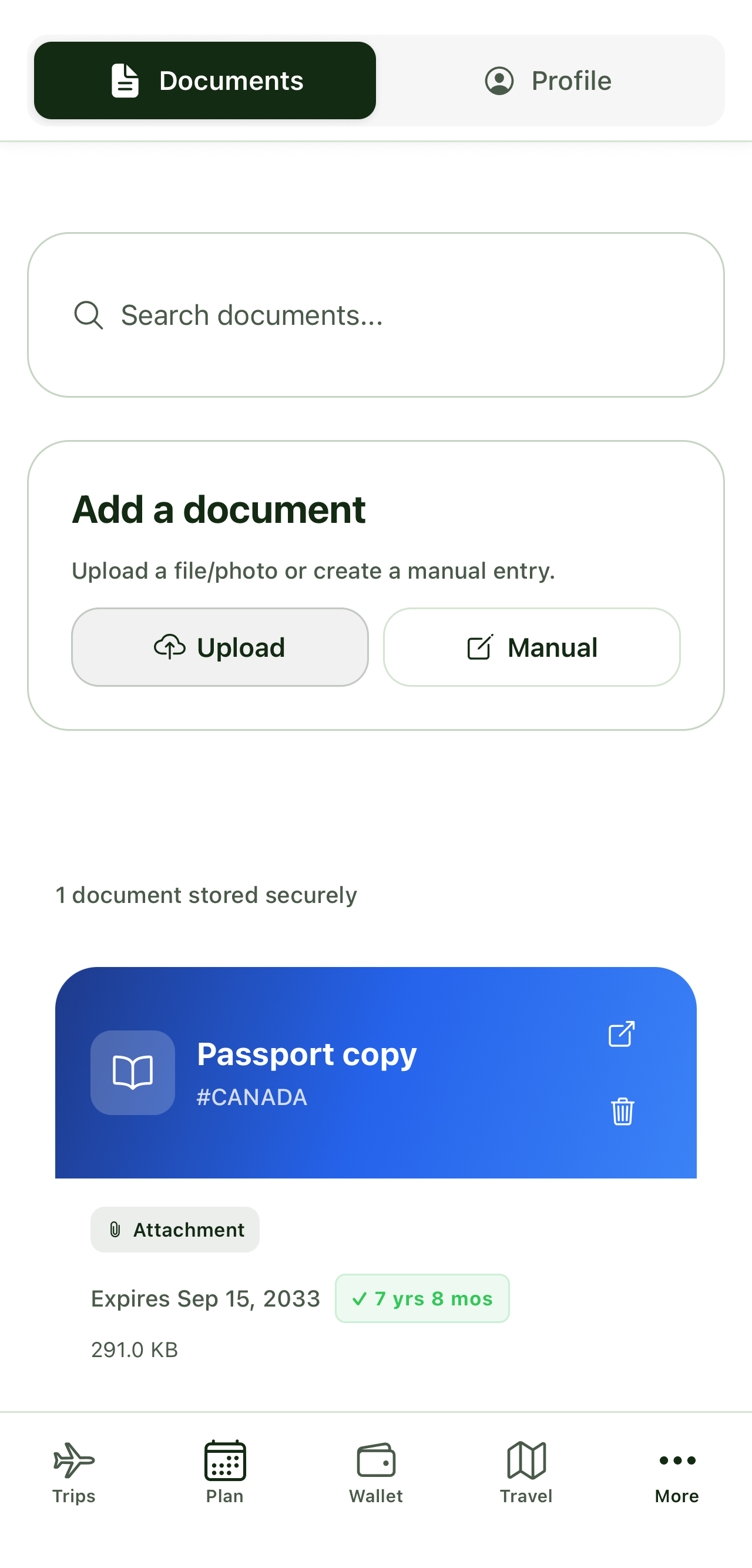
Store booking copies, insurance details, passport and visa records, and essential confirmations in a document hub. Tripvio supports manual additions and OCR-assisted smart uploads, and documents can be attached to related itinerary items. OCR and imported data may need correction: review dates, names, locations, and reference numbers before relying on them.
5. Plan the group handoffs
Invite collaborators so the people making choices can see the current plan, share ideas, and vote on possibilities. Agree on who will keep an eye on documents, bookings, and the first-arrival logistics. Share sensitive material only when it is needed and appropriate for that collaborator.
6. Prepare for travel-day access
Map the hotel, airport or station, and key daily places before leaving. Premium includes offline itinerary, document, and map access; all users can access offline safety information. The Safety Hub can provide planning-oriented safety information, location sharing with collaborators, and an emergency-services shortcut, but it does not replace local emergency services or official advice.
How this compares with a booking-first workflow
A confirmation-led itinerary is valuable, especially once reservations are set. For the distinction between organizing bookings and actively shaping the trip around them, see Tripvio vs TripIt. If your group is choosing places and coordinating decisions as well as tracking reservations, our Tripvio vs Wanderlog comparison covers that broader planning workflow.
Quick answers
Is Visa Check enough to decide whether I can travel?
No. Use it for planning research, then confirm all entry and transit requirements through official sources.
Should I trust extracted document details without checking them?
No. Review imported or OCR-extracted details against the original document, especially before travel.
Can I access the plan without mobile data?
Premium includes offline itinerary, document, and map access. Offline safety information is available to every user.
Turn international travel research into a shared, editable trip plan.