
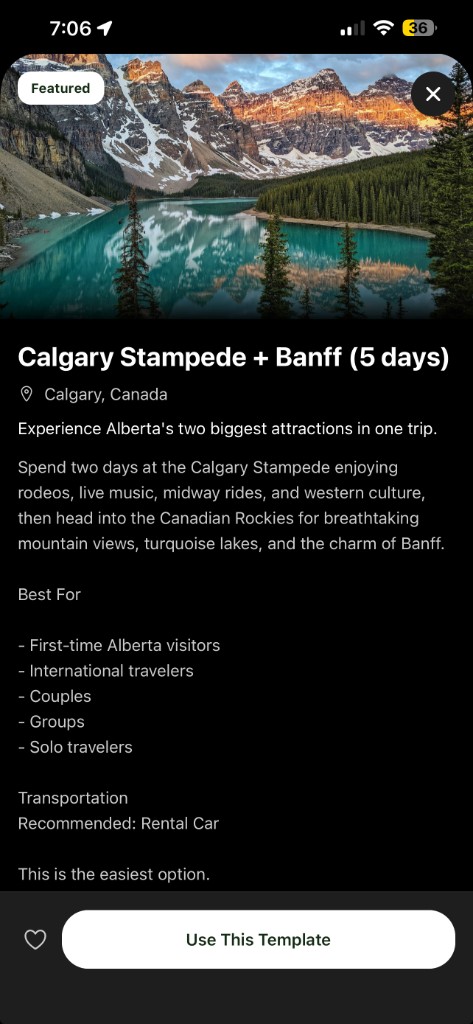
Calgary Stampede & Banff
Flying in for Calgary Stampede? Here’s a free 5-day Calgary + Banff plan
A ready-to-use template for rodeo, midway food, live music, Banff, Lake Louise, Moraine Lake, and mountain shuttle planning.
Read the guide →Pick a trip that is already structured, preview the days, then customize it with your bookings, budget, documents, maps, and travel group.
Tripvio gives that scattered work a useful starting point.
Saved posts, map pins, booking emails, and group-chat links pile up.
Someone still has to turn those fragments into realistic days.
Changes, costs, and documents end up in different places.
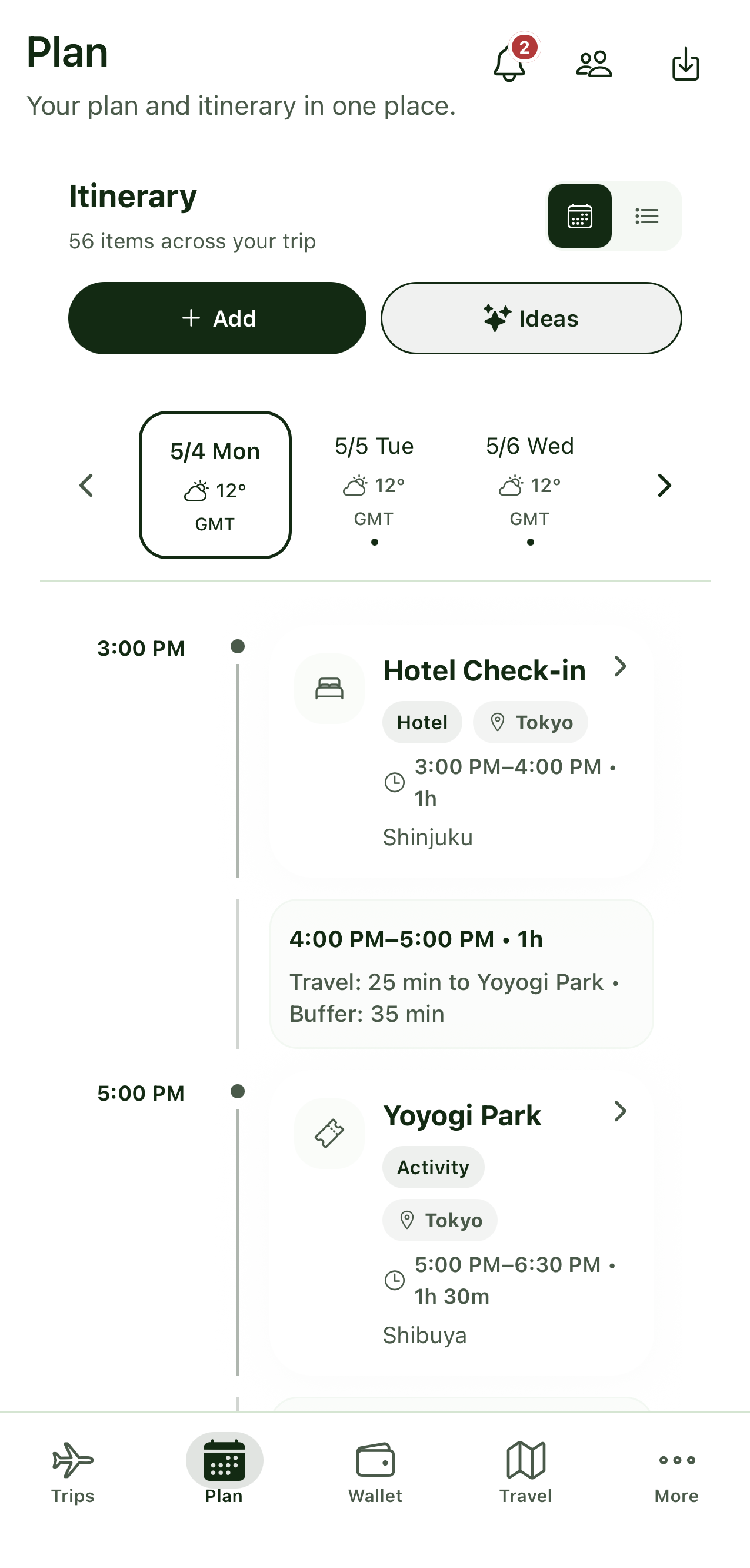
Preview complete days before you sign up. Choose a template, set your dates, and edit every stop in Tripvio.
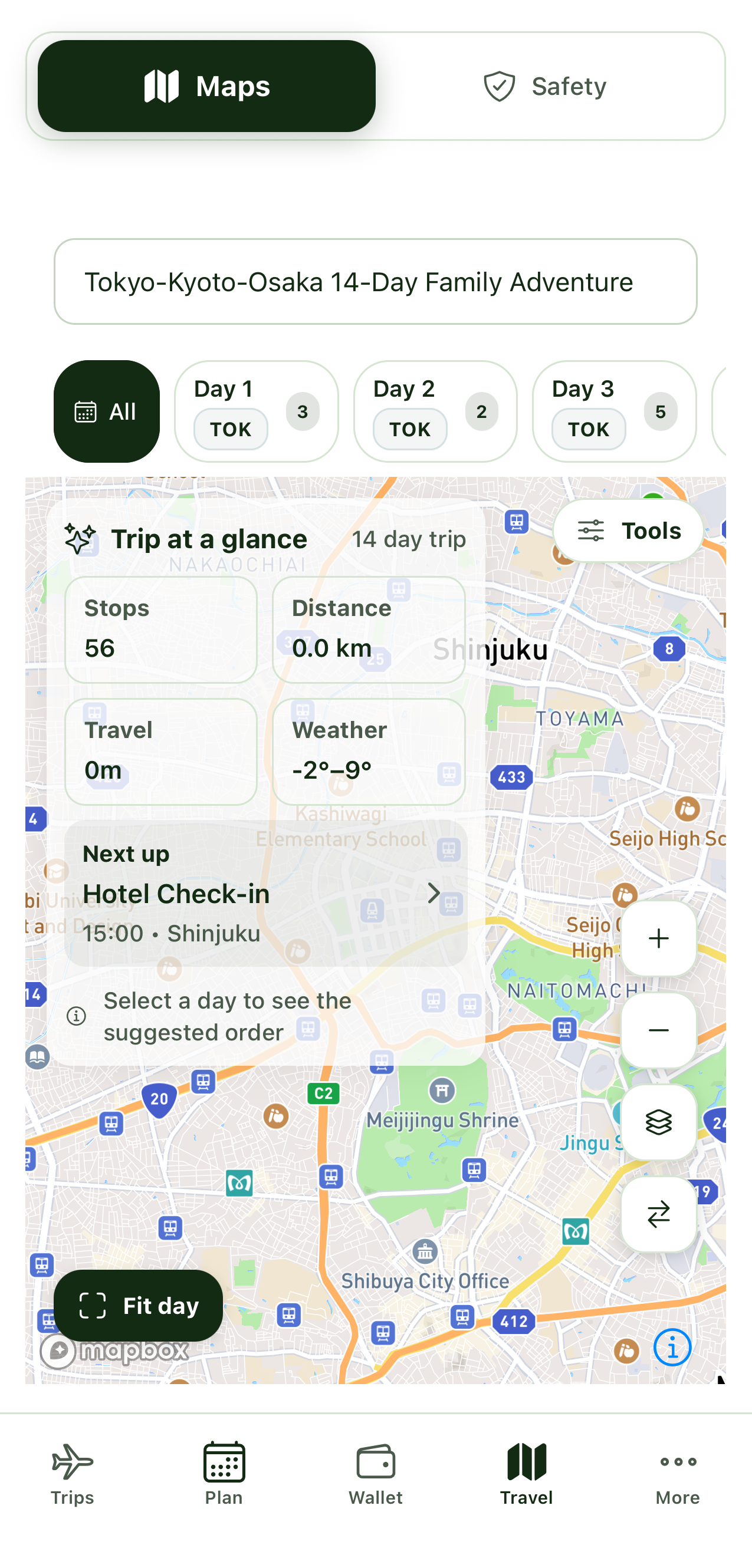
Real Tripvio screens show the itinerary, budget, and sharing workflow in under a minute.
A clean hub for planning, sharing, and staying ready—before and during your trip.
Build a day-by-day plan everyone can follow.
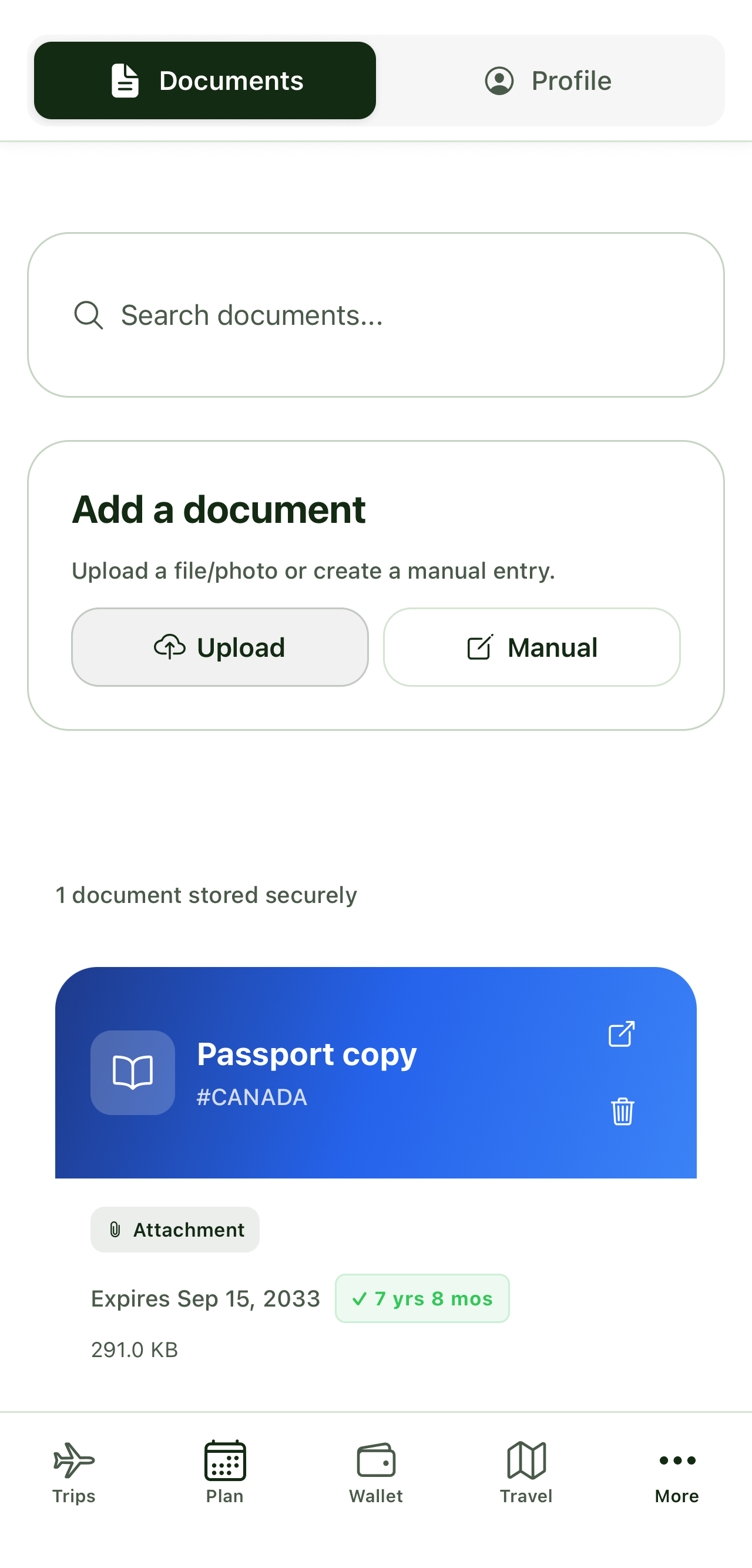
Keep passports, visas, and tickets secure and easy to find.
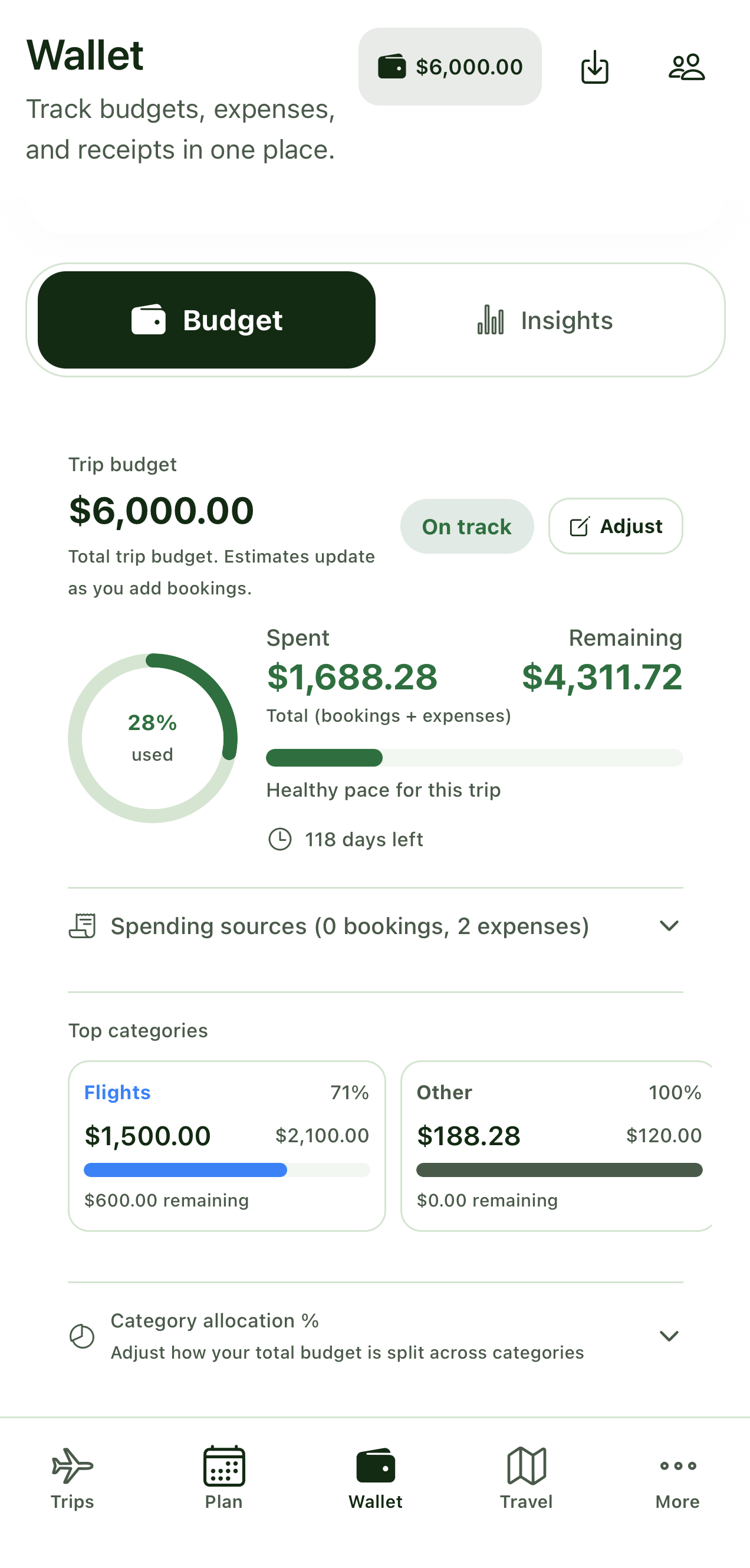
Track trip spending, receipts, and totals in one place.
Navigate your trip and access key details without signal.
Store emergency info and quick actions for travel days.
Share a link, export a summary, or add the trip to your calendar.
Real screenshots from the app—clean, organized, ready for your trip.
Verified experiences from Tripvio travelers.
A simple flow that matches how people actually plan travel.
Travel planning guides and product updates from the Tripvio team.
Calgary Stampede & Banff
A ready-to-use template for rodeo, midway food, live music, Banff, Lake Louise, Moraine Lake, and mountain shuttle planning.
Read the guide →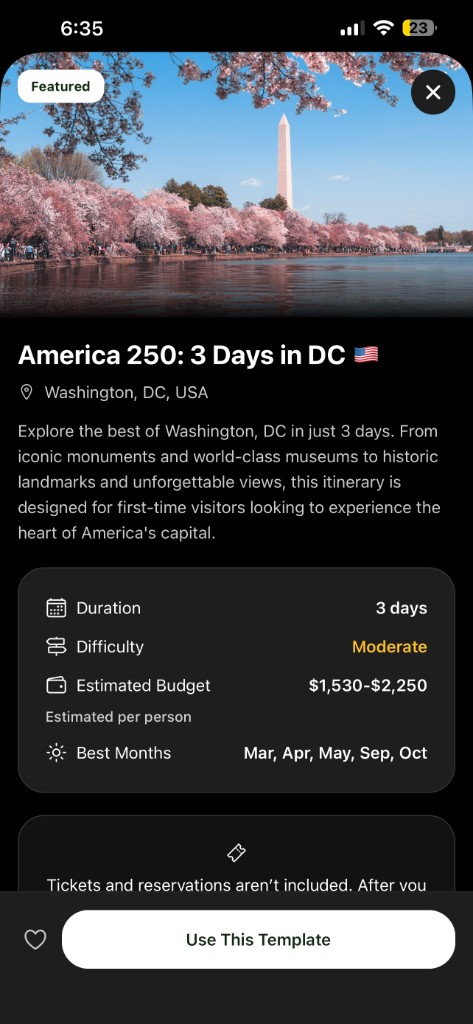
America 250 & July 4, 2026
Four templates for DC weekend, 48-hour, NYC combo, and 7-day landmarks—with Celebration Windows for parade, National Mall, and fireworks.
Read the guide →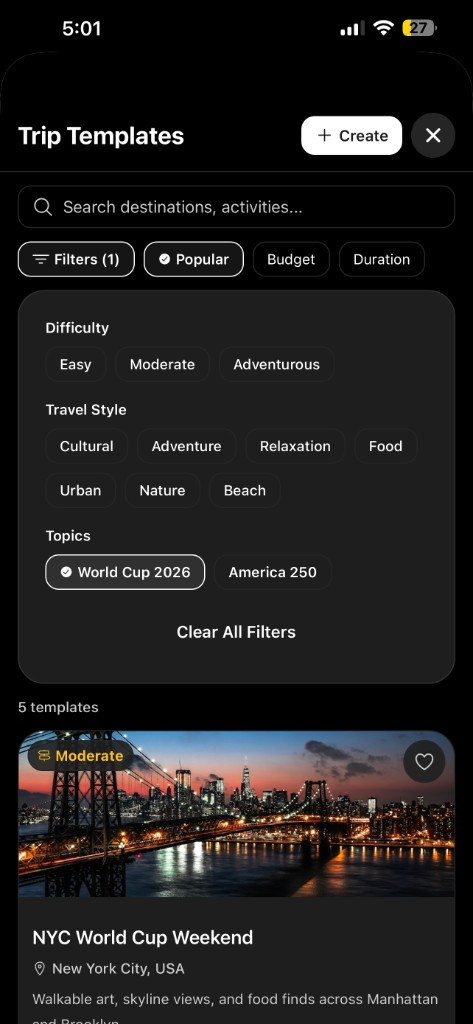
FIFA World Cup 2026
Five host-city weekend templates (NYC, Miami, Toronto, Vancouver, Mexico City) with Match Windows for fan zones and watch parties—plus a city comparison to help you pick.
Read the guide →Use the web app now, or download the mobile app for travel days.
Available on iOS and Android, or use the web app on any device.


Have a question, found an issue, or want to partner with us?
Follow along
Product updates, travel tips, and new templates.