
Disclosure: Tripvio published this article. Tripvio feature descriptions reflect the current product as reviewed July 20, 2026. Imported information should be checked against the original booking confirmation before you rely on it.
1. Start with the confirmations you already have
Flights, accommodation, rail, tours, and other reservation messages can hold the first skeleton of a trip. Tripvio can synchronize eligible travel emails, but not every message or detail is necessarily eligible or available. Treat sync as a convenience for assembling your plan, not a replacement for keeping and reviewing the original confirmation.
2. Review each imported item
Open the itinerary and compare dates, times, locations, traveler names, and confirmation numbers with the source email. Correct or add items manually when something is missing. A checked itinerary is more useful than an automatically assembled one that leaves an arrival transfer, a hotel check-in, or a time-zone detail unresolved.
3. Add records from outside your inbox
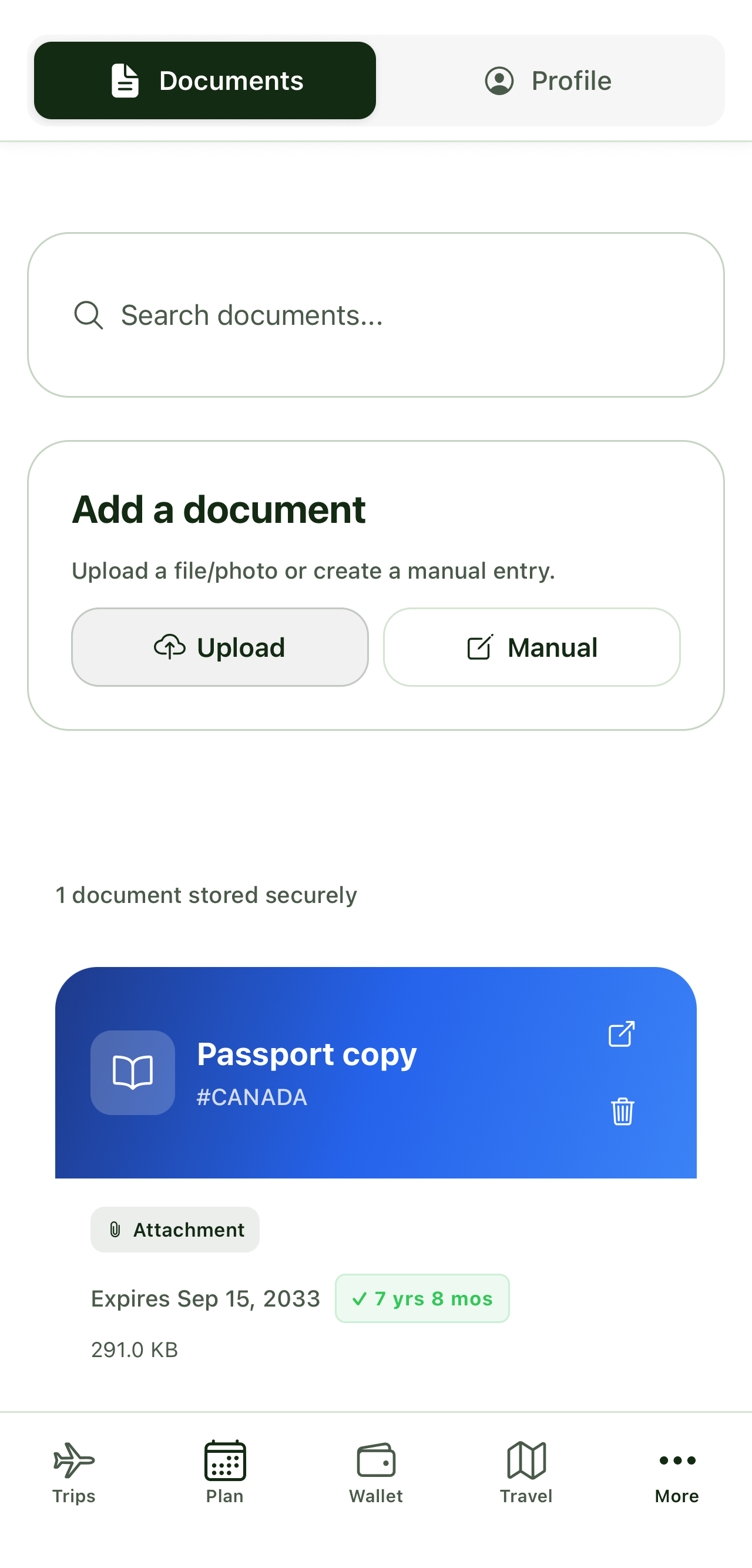
Some records begin as a PDF, image, or paper copy. Tripvio’s document hub supports manually stored travel records and OCR-assisted smart uploads for supported documents. Keep the original available and review extracted text; OCR can make data easier to enter, but it can misread information. Attach a relevant document to its itinerary item when that helps the trip stay organized.
4. Turn reservations into real days
A booking answers where you need to be; it does not decide what belongs before or after it. Build around arrivals, departures, and check-ins with maps, recommendations, AI suggestions, or manual additions. This makes space for a meal near the hotel, a transfer, a time buffer, or a group’s preferred activity rather than treating the confirmation as the full itinerary.
5. Keep cost information in the right place
When eligible confirmation details include a booking cost line, that can help you understand the reservation. It is not the same as a wallet expense row or a settled group balance. Add actual shared expenses deliberately, choose how they are split, and review them with the people involved. That distinction helps prevent a booking estimate from being mistaken for money someone has paid or owes.
6. Share the reviewed version
Invite collaborators after the key booking details are checked. They can participate in planning, see shared trip details, vote on possibilities, and help split eligible shared expenses. Avoid treating a shared itinerary as a substitute for an airline, rail operator, hotel, or event provider’s official record.
Choosing the right booking workflow
If your primary need is a booking-centric organizer, compare the approaches in Tripvio vs TripIt. If you want confirmation details to sit beside group decisions, mapped places, and an evolving itinerary, Tripvio vs Wanderlog provides another planning comparison.
Quick answers
Can Tripvio sync all travel email confirmations?
Tripvio synchronizes eligible travel emails. Check the resulting itinerary and add or correct anything that is missing.
Does a booking cost become a group expense automatically?
No. Email-flow booking cost lines are not wallet expense rows. Add and split expenses intentionally.
Should I delete my original confirmation after importing it?
Keep the original confirmation and check the imported details against it, especially for important travel information.
Use bookings as the start of a trip your group can keep shaping.